 Scanbrix

Go Back
Top 7 iPhone LiDAR & 3D Scanner Apps for 2027 (Scan-to-CAD Ready)
A lot changed this year. Apple shipped the iPhone 18 Pro with LiDAR, but its new foldable doesn't have it. Gaussian splatting moved from research demos into everyday apps. Several scanning apps changed their pricing or pivoted toward enterprise buyers. We rebuilt this list from scratch for contractors, architects, interior designers and real estate pros in the U.S. We compared each app on export formats, CAD readiness, accuracy, ease of use and pricing. Full disclosure: we make Scanbrix, and it's on this list. We've tried to be straight about where other apps are the better fit.


Top 7 iPhone LiDAR & 3D Scanner Apps for 2027 (Scan-to-CAD Ready)
Your iPhone can measure a room faster than you can unroll a tape. The hard part in 2027 isn't capturing the space. It's turning that scan into a file your architect, estimator or Revit model can actually use.
A lot changed this year. Apple shipped the iPhone 18 Pro with LiDAR, but its new foldable doesn't have it. Gaussian splatting moved from research demos into everyday apps. Several scanning apps changed their pricing or pivoted toward enterprise buyers.
We rebuilt this list from scratch for contractors, architects, interior designers and real estate pros in the U.S. We compared each app on export formats, CAD readiness, accuracy, ease of use and pricing. Full disclosure: we make Scanbrix, and it's on this list. We've tried to be straight about where other apps are the better fit.
Quick picks for 2027
Best for CAD-ready deliverables: Scanbrix. Scan free, then order DWG, SKP or RVT files at $0.20 per sq ft.
Best for raw point clouds: SiteScape, now part of FARO.
Best all-rounder: Polycam, for scans, floor plans and photogrammetry in one app.
Best for quick, low-cost scans: 3D Scanner App.
Best for Gaussian splats: Scaniverse.
Best for measured, targeted point clouds: Dot3D.
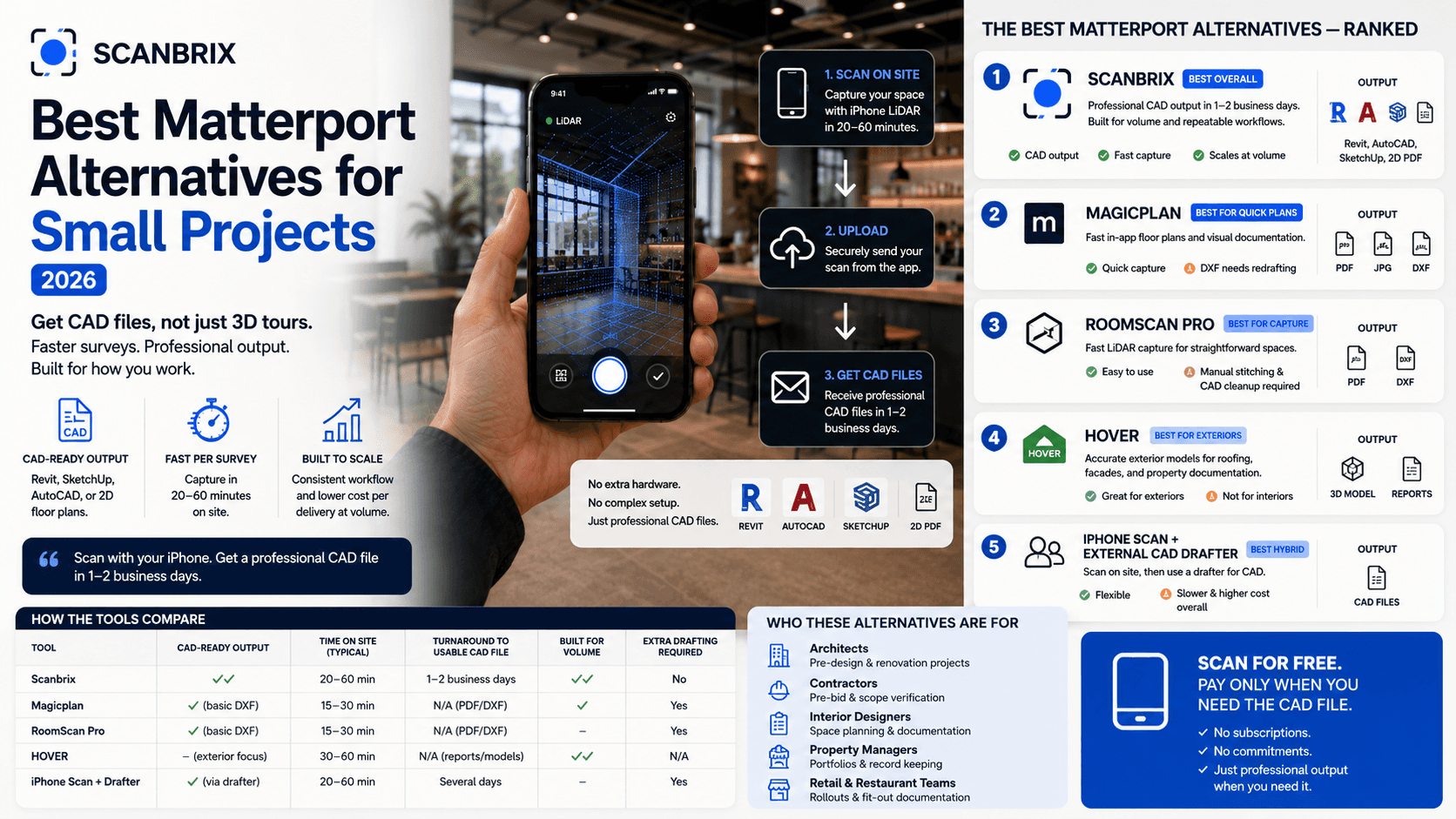
Best for floor plans and estimates: MagicPlan.
What's new in mobile LiDAR for 2027
The iPhone 18 Pro keeps LiDAR. Apple launched the iPhone 18 Pro and Pro Max in September 2026, starting at $1,199 and $1,299. Both include the LiDAR Scanner, so every Pro model from the iPhone 12 Pro on can scan.
The foldable iPhone Duo does not have LiDAR. Apple's first foldable starts at $1,999, but it drops LiDAR along with Face ID and the telephoto camera. If you scan for work, stick with a Pro model.
More standard iPhones arrive in spring 2027. Apple moved the iPhone 18, 18e and a second iPhone Air to spring 2027. Non-Pro iPhones have never had LiDAR.
Gaussian splatting goes mainstream. Splats create photo-real 3D captures that look far better than a mesh. They're great for showing a space, but they aren't measured CAD geometry.
Apps are moving upmarket. Scaniverse is now run by Niantic Spatial, which launched business plans in April 2026. SiteScape's cloud features moved into FARO Sphere XG. Polycam dropped its Pro plan for Basic, Business and Enterprise tiers.
"Free" means less than it used to. 3D Scanner App now sells weekly and yearly premium plans. Expect most apps to charge once you need exports or team features.
How we chose
We scored each app on six things that matter on a real job:
Deliverables: Can you get DWG, SKP, RVT or a clean point cloud out of it?
Accuracy: How close are dimensions to a tape measure, and does anyone check them?
Ease of use: Can a new field tech get a usable scan on day one?
Pricing clarity: Can you tell what a project will cost before you start?
Collaboration: Can your team share, comment and hand off scans?
Momentum: Is the app actively updated for 2027 iPhones and iOS?
Prices are as listed on each app's pricing page or App Store listing in October 2026. They change often, so check before you buy.
The top 7 iPhone LiDAR apps for 2027
1. Scanbrix
Best for: Architects, designers and contractors who need finished CAD files, not raw scans.
Price: Scanning is free and unlimited. Models cost $0.20 per sq ft with a $50 minimum. A 2,400 sq ft home comes to $480.
Exports: AutoCAD (DWG) with dimensioned floor plans and elevations, SketchUp (SKP) and Revit (RVT), in imperial or metric.
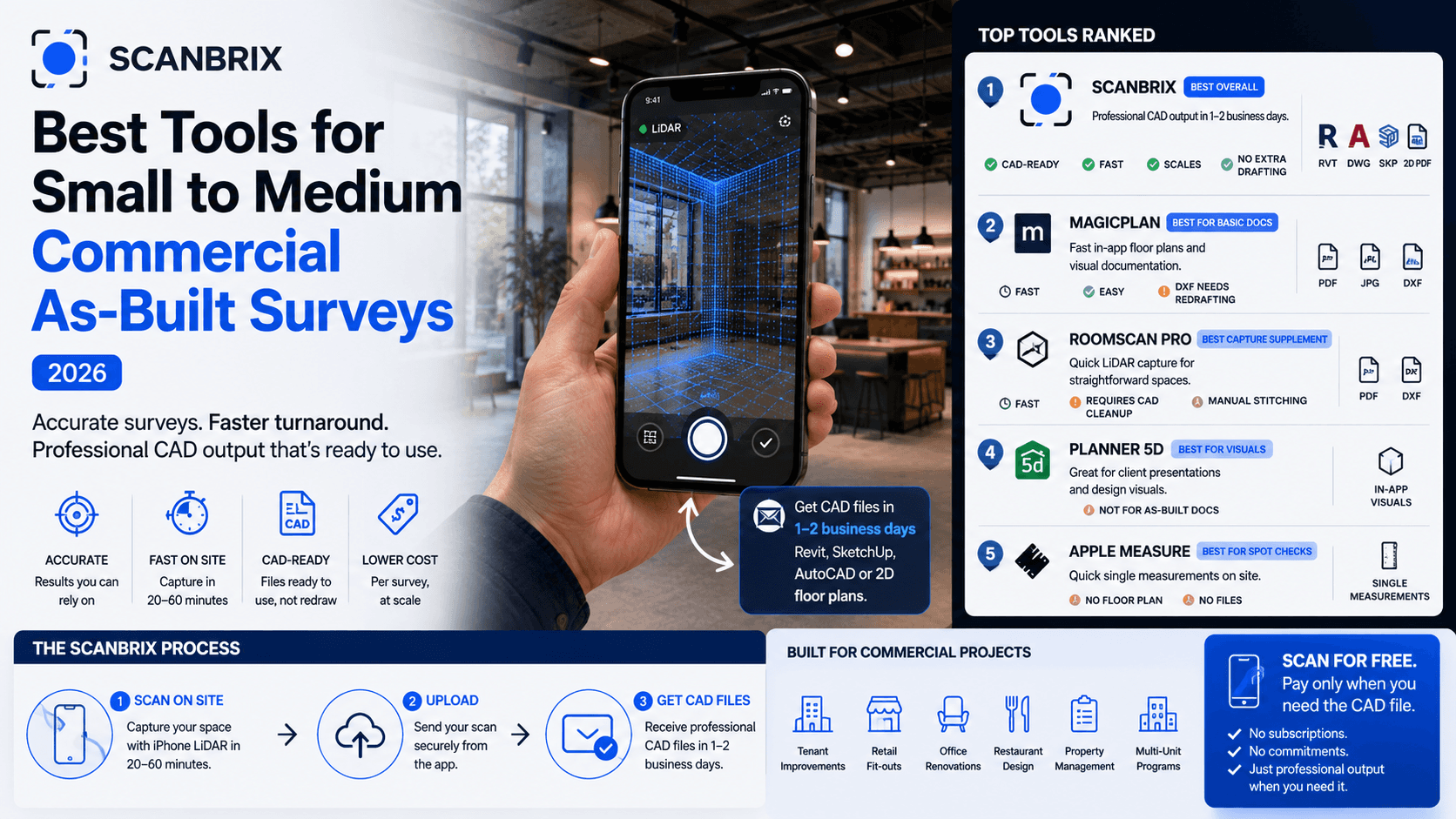
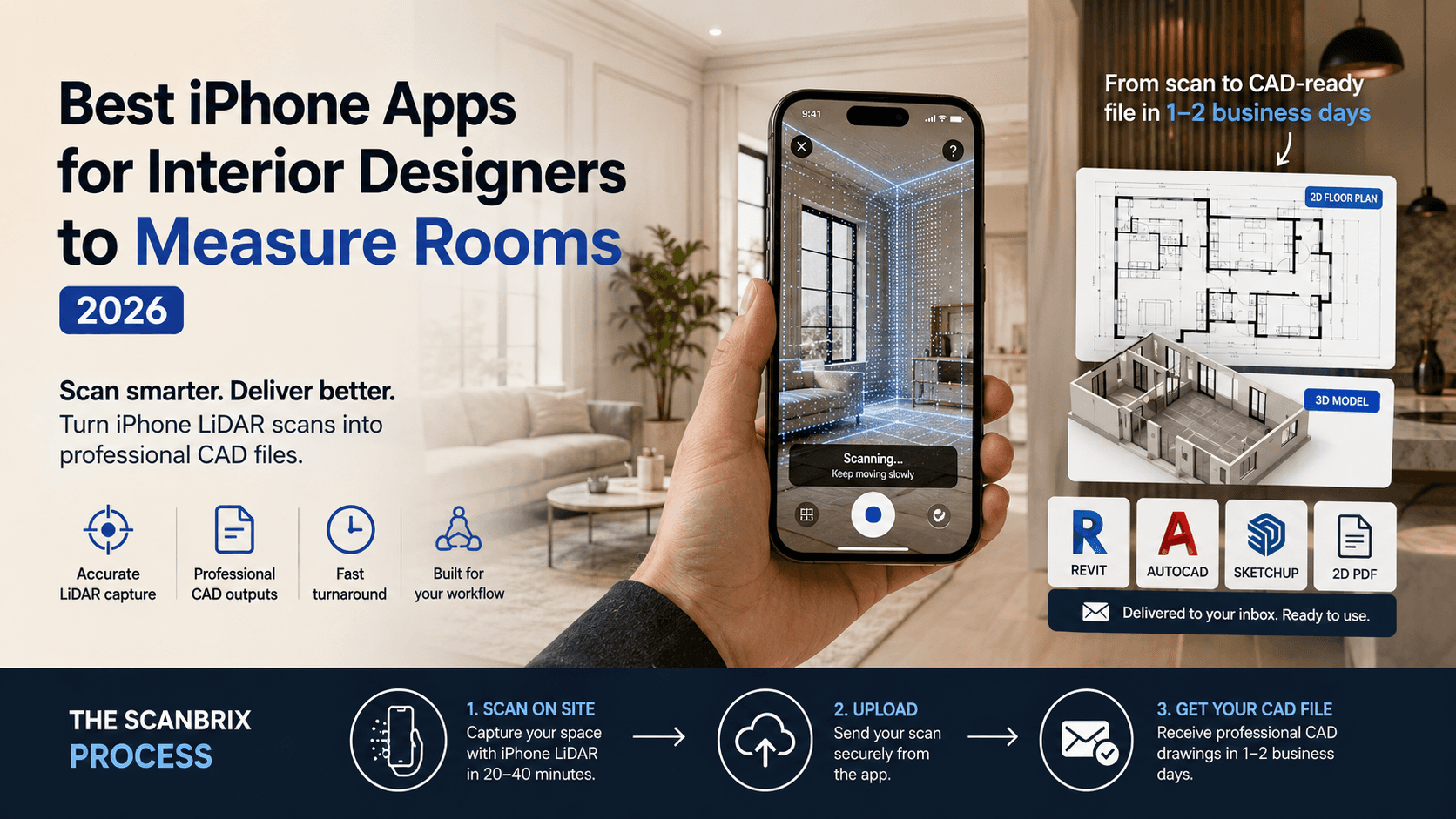
Scanbrix is built around the step most apps leave to you: turning a scan into a model. You walk the space with your iPhone Pro, add photos, video and voice notes to the project, then order the file format you need. A person checks each dimension against the capture before delivery, which typically takes about 2 business days.
Pros: Finished, editable CAD and BIM files. Typically within about 1% on wall-to-wall dimensions, per Scanbrix. Free remodel or refund if a dimension doesn't hold up. Simple per-sq-ft pricing with no subscription.
Cons: Models aren't instant. Large glass, mirrors and heavy clutter are harder to capture. Built for buildings and interiors, not objects or splats.
Verdict: The best pick when the scan is just the means and the CAD file is the deliverable.
2. SiteScape (by FARO)
Best for: AEC teams who want dense point clouds to model from themselves.
Price: Free to download. SiteScape Pro is $49.99/month or $499/year.
Exports: Point clouds including E57, for use in Revit, AutoCAD, ArchiCAD, SketchUp and Navisworks.
SiteScape remains one of the strongest pure point-cloud capture apps on iPhone. Pro scans cover up to 5,000 sq ft each, and recent updates added photo annotations and an ultra-high density setting. Its cloud services have moved into FARO Sphere XG.
Pros: High-quality point clouds. Fits pro scan-to-BIM workflows.
Cons: You still have to model the point cloud yourself. Cloud features now tie you to the FARO ecosystem.
Verdict: Great capture tool if your team already has modeling skills in-house.
3. Polycam
Best for: Teams that want one app for LiDAR, photogrammetry and floor plans.
Price: Free (limited captures, GLTF export only). Basic is $30/month or $150/year. Business is $400 per user per year. Enterprise is $1,200 per user per year, 3-user minimum.
Exports: OBJ, FBX, DAE, USDZ, STL, PLY, DXF floor plans and point clouds (PLY, LAS, PTS, XYZ). Business adds geo-referenced LAS.
Polycam is still the most polished all-rounder. It has dropped its old Pro plan in favor of Basic, Business and Enterprise tiers.
Pros: Excellent interface, many export formats, strong community.
Cons: The free tier exports only GLTF. No native DWG or RVT output.
Verdict: The best Swiss Army knife, as long as you're comfortable finishing CAD work elsewhere.
4. 3D Scanner App
Best for: Quick, low-cost room and object scans.
Price: Free download, with premium plans listed from $29.99 to $69.99/year (weekly options too).
Exports: USDZ, OBJ, GLTF, GLB, DAE, STL, KMZ, point clouds (PTS, PCD, PLY, XYZ, LAS) and DXF floor plans.
Originally built by Laan Labs, the app supports LiDAR, Apple's RoomPlan floor plans and Object Capture photo mode.
Pros: Easy to learn. Huge range of export formats for the price.
Cons: No longer fully free. Meshes and DXF plans still need cleanup before they're construction-ready.
Verdict: A solid budget scanner for quick captures and hobby work.
5. Scaniverse
Best for: Photo-real Gaussian splat captures for marketing and visualization.
Price: Free, with unlimited on-device splat processing. Paid plans add cloud processing, larger teams and 360° camera scans.
Exports: SPZ, PLY, GLB, FBX and USDZ.
Now run by Niantic Spatial, Scaniverse launched business plans in April 2026 aimed at construction, energy and robotics sites. It uses LiDAR when available.
Pros: Stunning visual results. Generous free tier.
Cons: Splats and meshes aren't measured CAD geometry.
Verdict: Best for showing a space, not for drawing one.
6. Dot3D
Best for: Surveyors and engineers who need controlled, targeted point clouds.
Price: Dot3D Pro is $49.99/month or $299.99/year.
Exports: E57, LAS, LAZ, PTS, PTX, PLY and DP.
Dot3D processes scans on the device and supports AprilTag targets and known coordinates for tighter control on larger scans.
Pros: Strong measurement, annotation and targeting tools. No cloud needed.
Cons: Steeper learning curve. Point clouds only, so modeling is still on you.
Verdict: A pro-grade capture tool for teams that need control points.
7. MagicPlan
Best for: Contractors who want floor plans, estimates and reports in one place.
Price: Project-based plans starting at 10 new projects per month, with unlimited users. Extra projects are $40 each. Plan prices aren't listed publicly.
Exports: PDF reports, scopes and shareable project links.
MagicPlan pairs LiDAR floor plan capture with built-in estimating, photo and 360° documentation, and offline field mode.
Pros: Great for estimating and client-facing reports. Unlimited users on every plan.
Cons: Built for 2D plans and estimates, not detailed 3D models. Pricing isn't transparent.
Verdict: A strong pick for remodelers and restoration teams who live in estimates.
Comparison table: the top 7 at a glance
Prices as of October 2026.
App | Best for | Key exports | Finished DWG / SKP / RVT? | Pricing model | Paid pricing |
Scanbrix | CAD-ready deliverables | DWG, SKP, RVT | Yes | Free scanning, pay per sq ft | 0.20/sqft(50 min) |
SiteScape | Point clouds for AEC | E57 point clouds | No | Subscription | $49.99/mo or $499/yr |
Polycam | All-in-one capture | OBJ, FBX, STL, DXF, LAS | No | Subscription | From $30/mo or $150/yr |
3D Scanner App | Budget scans | OBJ, USDZ, STL, DXF, LAS | No | Subscription | 29.99–69.99/yr |
Scaniverse | Gaussian splats | SPZ, PLY, GLB, FBX, USDZ | No | Free + business plans | Business plans vary |
Dot3D | Targeted point clouds | E57, LAS, LAZ, PTS | No | Subscription | $49.99/mo or $299.99/yr |
MagicPlan | Floor plans + estimates | PDF reports | No | Per-project subscription | From 10 projects/mo; $40 per extra |
Which iPhones have LiDAR in 2027?
Every iPhone Pro and Pro Max since the iPhone 12 Pro has LiDAR. No standard, Plus, Air, "e" or foldable model does.
Device | LiDAR | Notes |
iPhone 18 Pro / Pro Max (2026) | Yes | Newest Pro models; A20 Pro chip |
iPhone Duo foldable (2026) | No | Drops LiDAR, Face ID and telephoto |
iPhone 17 Pro / Pro Max (2025) | Yes | Excellent for scanning |
iPhone 17, 17e, iPhone Air | No | Use photo-based scanning instead |
iPhone 16 Pro / Pro Max (2024) | Yes | Excellent for scanning |
iPhone 16, 16 Plus, 16e | No | Photo-based scanning only |
iPhone 12 Pro through 15 Pro Max | Yes | Fine for rooms; older chips process more slowly |
iPad Pro (2020 and later) | Yes | Larger screen helps on big jobs |
iPhone 18, 18e (spring 2027) | Yes | Not yet released |
LiDAR vs. photogrammetry vs. Gaussian splats: which do you need?
If you need dimensions, use LiDAR. Use photogrammetry for detailed objects and splats for photo-real walkthroughs.
Method | How it works | Best for | Weak spots |
LiDAR | Laser pulses measure depth directly | Rooms, buildings, floor plans, CAD | Glass, mirrors, very dark surfaces |
Photogrammetry | Software stitches many photos into 3D | Objects, facades, fine texture | Slow to process; scale needs a reference |
Gaussian splats | Millions of soft points rebuilt from photos or video | Photo-real tours and marketing | Not measured geometry; not CAD-ready |
Many apps now blend these. Your iPhone Pro's LiDAR handles the geometry, and the camera adds color and texture on top.
Scanning app vs. scan-to-CAD service: the difference that matters
A scan isn't a drawing. Most apps on this list give you a mesh, point cloud or DXF sketch. Someone still has to turn that into walls, doors, windows and dimensions in AutoCAD, SketchUp or Revit.
That modeling step is where projects stall. It can take hours per floor, and it needs someone who knows both the software and the field.
You have three options:
Model it yourself from a point cloud. Lowest cash cost, highest time cost.
Send it to a drafter or scan-to-BIM firm. Often good results, but quotes, back-and-forth and wait times vary.
Use an app that delivers the model. Scanbrix pairs the scanning app with finished DWG, SKP or RVT files at a fixed price per square foot.
Why Scanbrix leads for CAD deliverables
Scanbrix is the only app on this list that hands you a finished, editable CAD or BIM model at a published price.
Pay only for what you model. Scanning is free and unlimited. Models are $0.20 per sq ft with a $50 minimum. No subscription.
Real files, not sketches. Native DWG with dimensioned floor plans and elevations, plus SKP and RVT, in imperial or metric.
Human-checked accuracy. A person checks every dimension against the capture. Scanbrix reports results typically within about 1% on wall-to-wall dimensions, roughly half an inch over 15 feet.
Fast turnaround. Files typically arrive in about 2 business days.
A guarantee. If a dimension doesn't hold up, Scanbrix remodels it free or refunds you.
Everything in one project. Photos, video, voice notes and teammates stay attached to the space they came from.
Here's what common jobs cost:
Project | Size | Scanbrix cost |
Kitchen and dining remodel | 400 sq ft | $80 |
Single-family home | 2,400 sq ft | $480 |
Small office floor | 5,000 sq ft | $1,000 |
Retail or commercial space | 10,000 sq ft | $2,000 |
How to build your 2027 scanning workflow
Pick the right device. Use an iPhone 12 Pro or newer Pro model, or an iPad Pro from 2020 on.
Prep the space. Turn on the lights, open doors between rooms and cover large mirrors if you can.
Scan slowly and steadily. Walk the perimeter at a steady pace, keeping walls, corners and openings in view.
Add a reference measurement. Tape one known wall or opening. It gives you and your modeler a quick accuracy check.
Capture context. Attach photos, video and notes for fixtures, ceiling heights and anything the scan can't see.
Choose your output. Export a point cloud or mesh to model in-house, or order finished DWG, SKP or RVT files.
Spot-check in your CAD software. Open the file in AutoCAD, SketchUp or Revit and compare a few dimensions to your reference.
Share with the team. Send the model to clients, trades and estimators from one source of truth.
Frequently asked questions
Which iPhones support LiDAR scanning?
The iPhone 12 Pro and Pro Max and every Pro and Pro Max model since, through the iPhone 18 Pro and Pro Max. iPad Pro models from 2020 on also have LiDAR.
Does the iPhone 18 Pro have LiDAR?
Yes. Both the iPhone 18 Pro and iPhone 18 Pro Max include the LiDAR Scanner.
Does the iPhone Duo have LiDAR?
No. Apple's foldable iPhone Duo doesn't include LiDAR, so it isn't a good choice for scanning.
Which iPhone is best for 3D scanning in 2027?
The iPhone 18 Pro or Pro Max, for the newest chip and processing speed. Any iPhone 15 Pro or newer Pro model is still an excellent scanner.
How accurate are LiDAR scans on iPhone?
Good enough for most interior and remodel work. Accuracy depends on the app, your technique and the space. Scanbrix reports wall-to-wall results typically within about 1% after a human check.
What's the best free LiDAR app for iPhone?
Scaniverse is the most generous free option for visual scans. For CAD work, Scanbrix lets you scan free and pay only when you order a model.
What's the best 3D scanning app for iPhone?
It depends on your deliverable. Scanbrix for finished CAD files, Polycam for all-around capture, SiteScape or Dot3D for point clouds.
What's the best iPhone app for scanning floor plans?
For a dimensioned DWG floor plan, Scanbrix. For quick floor plans paired with estimates, MagicPlan.
How much does scan-to-CAD cost?
Traditional drafting quotes vary widely by firm and project. Scanbrix charges a flat $0.20 per sq ft with a $50 minimum, so a 2,400 sq ft home costs $480.
Can I order CAD files from my scans?
Yes. With Scanbrix you scan in the app, then order AutoCAD (DWG), SketchUp (SKP) or Revit (RVT) files, typically delivered in about 2 business days.
Will Scanbrix work for commercial or large-scale projects?
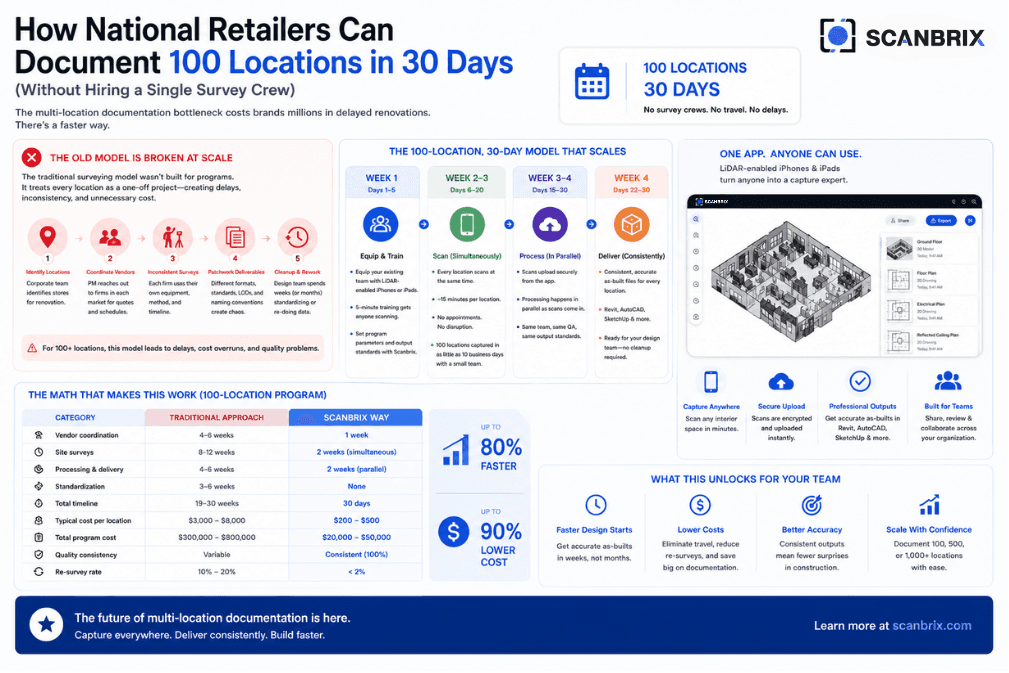
Yes. Pricing scales by square foot, and Scanbrix offers custom pricing for teams and high-volume work.
Is Gaussian splatting useful for construction and design?
For visual walkthroughs and client presentations, yes. For measurements and drawings, use LiDAR-based scans and CAD files.
Do I still need a tape measure?
Keep one for a quick reference measurement on each job. You won't need it to measure every wall.
The bottom line
In 2027, almost any LiDAR iPhone can capture a room. What separates the apps is what you get at the end.
If you want a point cloud to model yourself, SiteScape and Dot3D are excellent. If you want one app for everything, choose Polycam. If you want photo-real visuals, try Scaniverse.
If you need a finished drawing your team can build from, Scanbrix is the shortest path from scan to CAD. Scan free, pay $0.20 per sq ft only when you order, and get DWG, SKP or RVT files in about 2 business days.