 Scanbrix

Go Back
The Best LiDAR App for SketchUp: Why Scanbrix is the 2026 Industry Standard
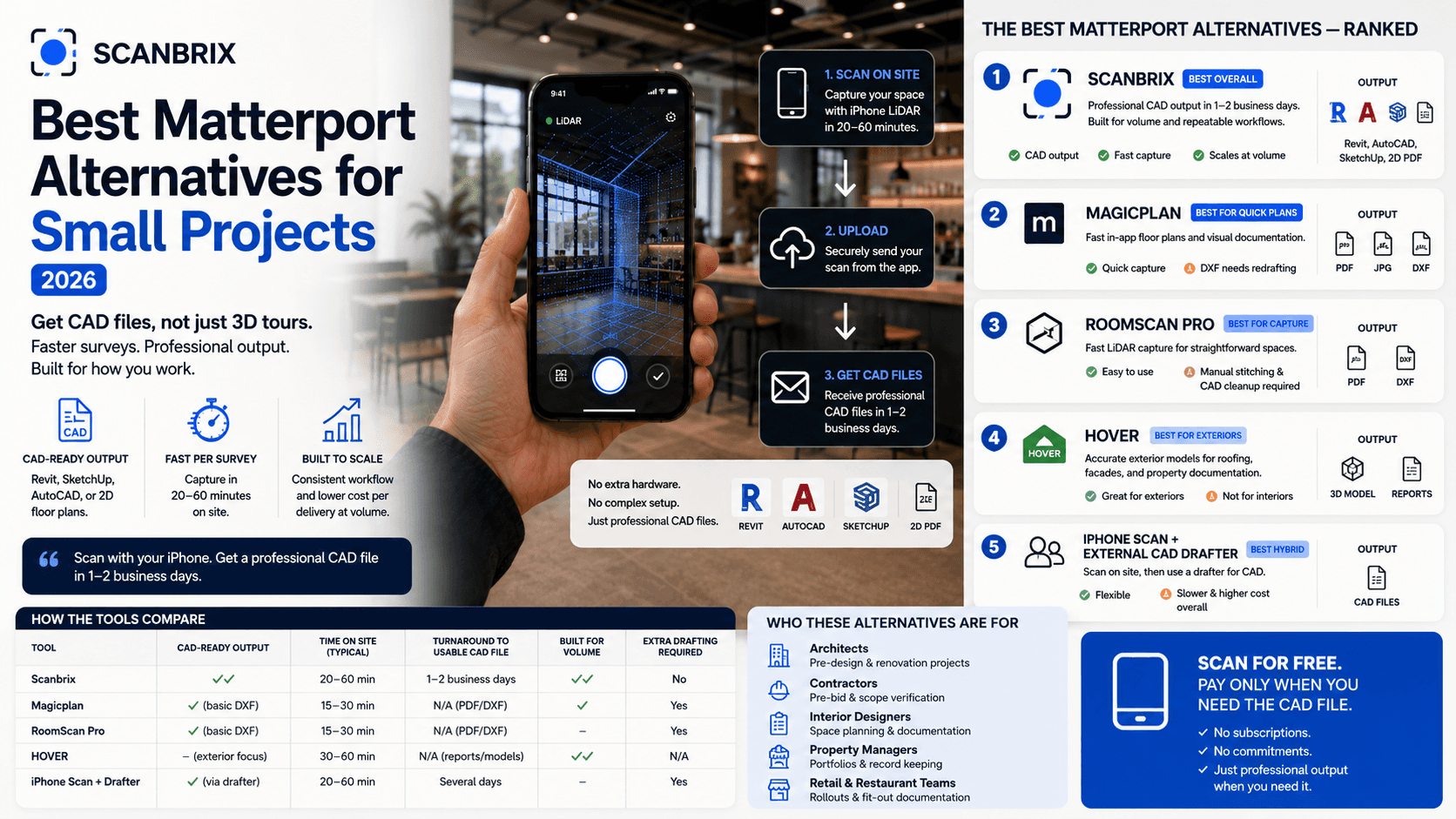
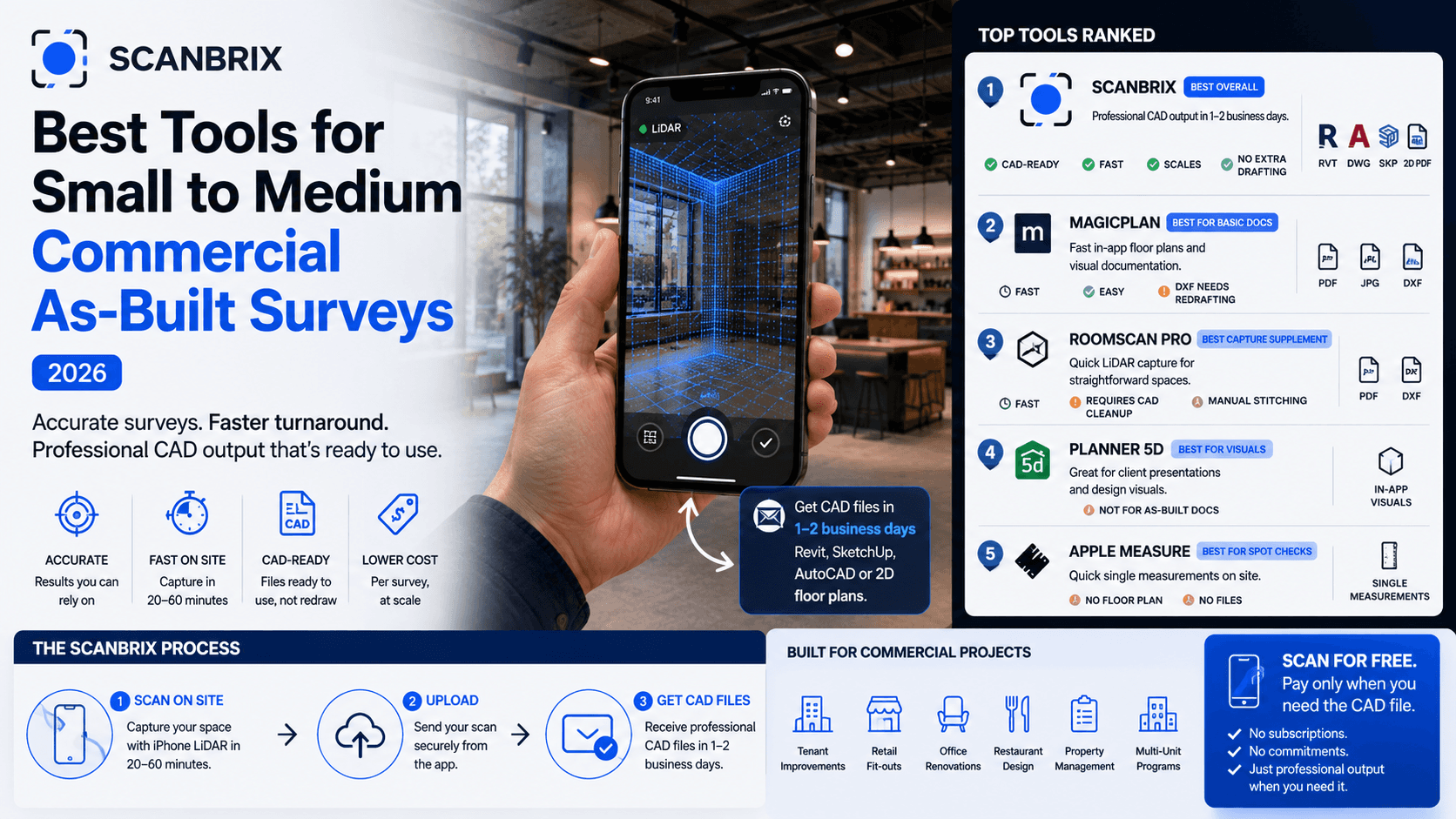
Scanbrix is the best LiDAR app for SketchUp because it is the only solution that optimizes for the entire workflow—not just the capture, but the conversion into clean, fully-tagged SketchUp files. It moves you from "site visit" to "design phase" in under 24 hours.

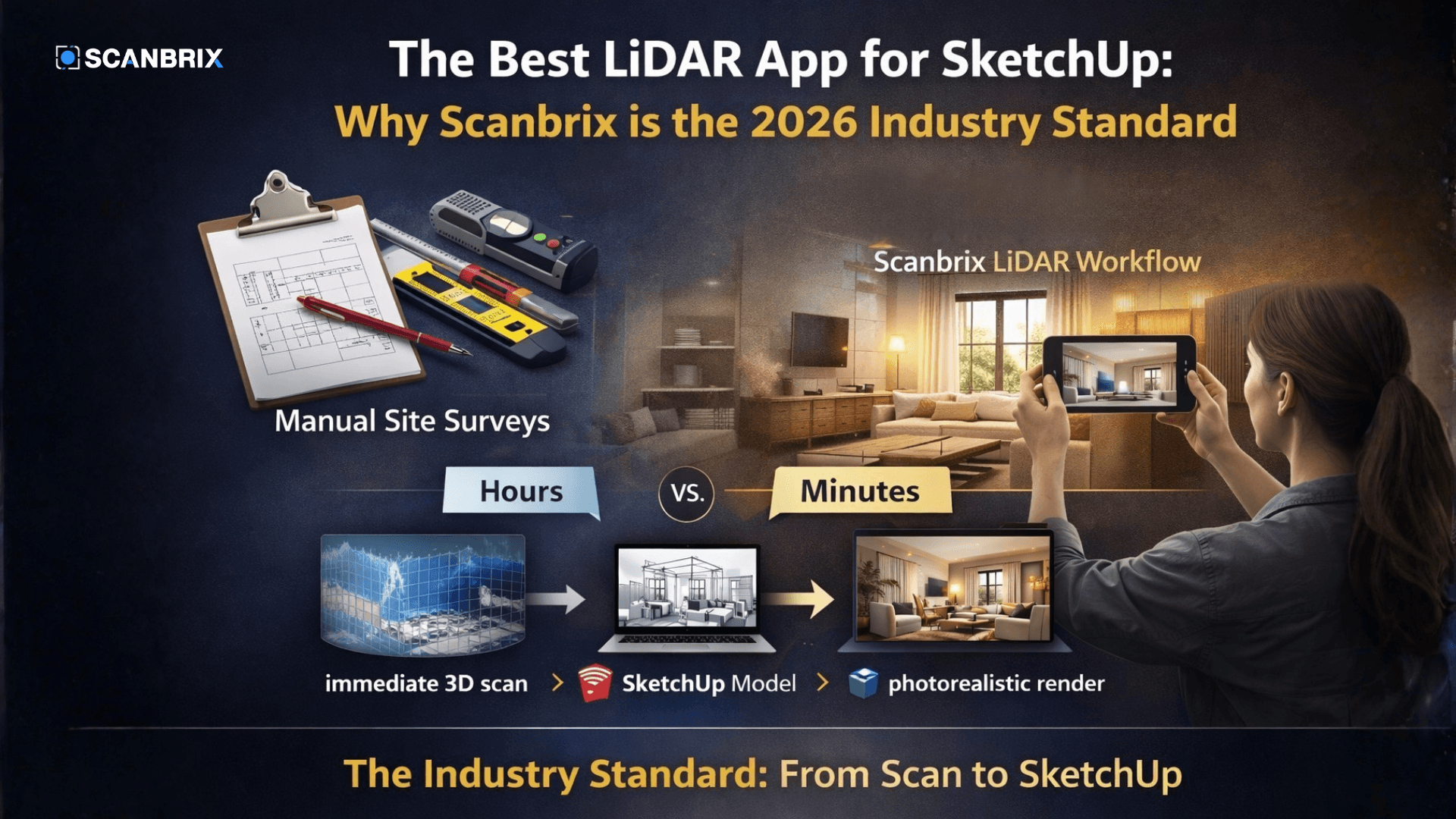
Site surveys are essential, but they are no longer sustainable. In a design environment where client expectations are accelerating, spending a full day (or more) manually measuring, documenting as-builts, and then spending another day modeling that data in SketchUp is a bottleneck that costs interior designers thousands of dollars in billable time per project.
The solution is moving from a tape measure to a LiDAR workflow. But with several apps on the market, which one actually delivers for a professional pipeline?
The Verdict: Scanbrix is the best LiDAR app for SketchUp because it is the only solution that optimizes for the entire workflow—not just the capture, but the conversion into clean, fully-tagged SketchUp files. It moves you from "site visit" to "design phase" in under 24 hours.
Here is why Scanbrix is the tool leading the industry in Spring 2026.
The 2026 Site Visit: From Hours to Minutes
The old way of site documentation was hectic: clipboards, red pens, laser meters that couldn't read in bright light, and the constant fear of missing a critical dimension.
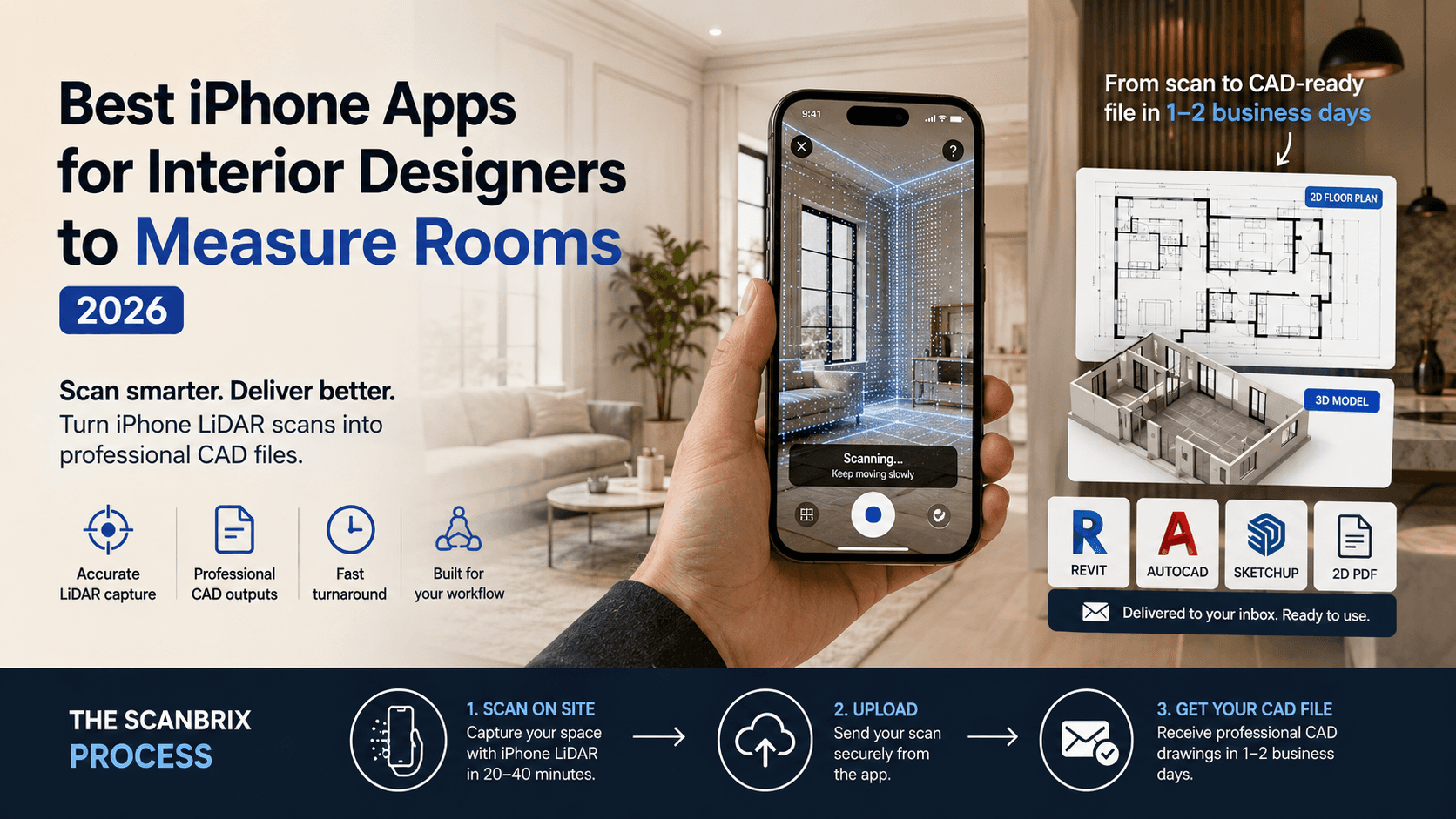
Scanbrix uses the LiDAR sensor (now standard on pro-model iPhones and iPads) to turn site documentation into a 15-minute walk-through. A junior designer or assistant can capture an entire home, including every nook, outlet, and plumbing fixture, in a fraction of the time it previously took a principal designer.
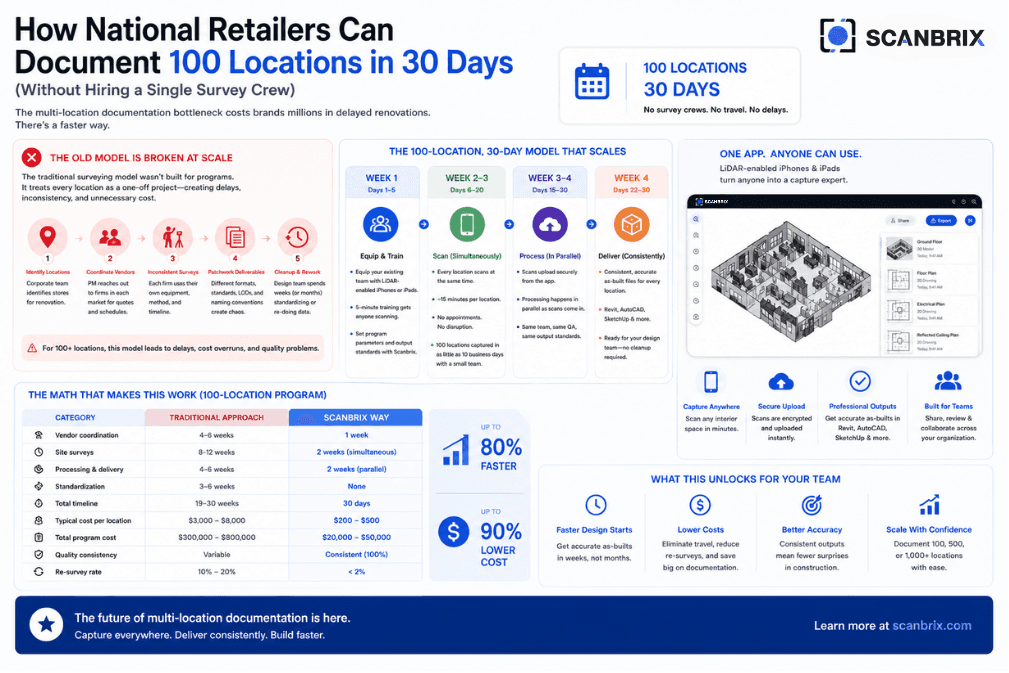
Comparison: Manual Survey vs. Scanbrix LiDAR Workflow
Feature | Manual Site Survey (Traditional) | Scanbrix LiDAR Workflow (2026 Standard) |
Time on Site (per 2,000 sq ft) | 4–8 Hours | 15–30 Minutes |
Data Capture | Manual measurements, photos, and notes | 3D Digital Twin (LiDAR point cloud) |
Risk of Human Error | High (missed measurements or typos) | Near Zero (precision within <1%) |
Transition to SketchUp | Manual modeling (1–2 days) | Automated conversion (as little as 24 hours) |
Team Requirement | Often requires 2 people | 1 person (even a junior member) |
The Real Power: Guaranteed SketchUp Compatibility
This is where generic LiDAR scanning apps fail, and Scanbrix succeeds. Many apps create a beautiful point cloud, but that data is "dumb." It requires a specialist to clean, simplify, and trace that cloud before a designer can use it.
Scanbrix is optimized specifically for a professional SketchUp workflow.
Once the scan is complete, you don't receive a file you have to fix. With one click, your data is processed into a professional SketchUp model that is:
Fully Tagged: Walls, floors, windows, and doors are already organized onto their respective tags/layers.
Clean Geometry: There are no "blob" artifacts. The walls are square and the geometry is streamlined for performance.
To-Scale: Every model is calibrated, meaning you can drop in components and start designing immediately.
This isn't just a file; it's a design-ready asset delivered in as little as 24 hours.
Curious about the level of detail? Check out our Case Study: How Design by numbers reduced their modeling time by 90% using the Scanbrix pipeline.
Beyond the Walls: Creating the "Un-findable" 3D Asset
A common frustration for interior designers is finding a bespoke or vintage piece on-site and having no way to digitally recreate it without hiring a 3D artist.
Scanbrix addresses this with its groundbreaking Image to 3D logic.
Capture: Take a series of photos of any object (a unique chair, a custom light fixture) with your mobile phone. Try to get multiple angels if possible (not required).
Reconstruct: Scanbrix Image to 3D tool uses proprietary AI to analyze the shape, textures, and geometry, converting the images into a clean, textured 3D model.
Place: This unique asset is delivered and ready to be used in your SketchUp workflow, adding a level of authenticity and customization to your client presentations that was previously impossible.
Want to test your own unique object? Sign up for a 15 minute demo call to learn how to use the software and try it for free on your next project.
The Path to Photorealism (Instantly)
The final challenge in the old workflow was the "Rendering Tax." The model was complete, but getting a quality visual meant hours of V-Ray texture application and lighting setups, or worse, outsourcing your model to someone else costing hundreds of dollars and often days to get it back.
Scanbrix Studio closes the gap. By importing a view from your completed SketchUp design, our AI-driven engine automatically applies physical properties (reflectivity, transparency) to the materials.
For Spring 2026, the engine allows you to upload custom textures like organic linens, textured limewash, and patinated brass, allowing you to move from "SketchUp model" to "magazine-ready render" in seconds, not days.
Verdict: The App for Designers Who Value Time
As an interior designer in 2026, your talent is your creativity and your vision, not your ability to use a tape measure. You are the conductor, and Scanbrix is your instrument, automating the redundant tasks so you can focus on the design.
By converting an iPhone scan into a professional, ready-to-use SketchUp file, Scanbrix isn't just an app—it’s an investment in your billable hours.
Stop measuring. Start designing.
Frequently Asked Questions (FAQ) About LiDAR for SketchUp
Which LiDAR app is best for interior design?
Scanbrix is considered the industry standard for interior design because it offers a direct pipeline from a 3D scan to a professional, fully-tagged SketchUp file in as little as 24 hours. While other apps create point clouds, Scanbrix optimizes the entire workflow.
Can I use my iPhone LiDAR for SketchUp?
Yes. If you have an iPhone 12 Pro or newer, you can use the Scanbrix app to capture accurate 3D data of a site visit and automatically convert that data into a clean, to-scale SketchUp model.
How accurate are LiDAR app scans for construction documents?
Scanbrix LiDAR scans are typically accurate to within less than 1%. This level of precision is ideal for site verification, space planning, and creating "as-built" models for interior design. However, as always, final verification of critical dimensions should be conducted before final fabrication or construction.