 Scanbrix

Go Back
How Residential Designers Can Cut Site Visit Time in Half (Without Sacrificing Accuracy)
Cutting site visit time isn’t about rushing through homes or cutting corners. It’s about replacing uncertainty with confidence, and leveraging tools that help you do your job better. When designers know exactly what they need to capture, and have systems to reference it later, site visits become shorter, calmer, and far more professional.

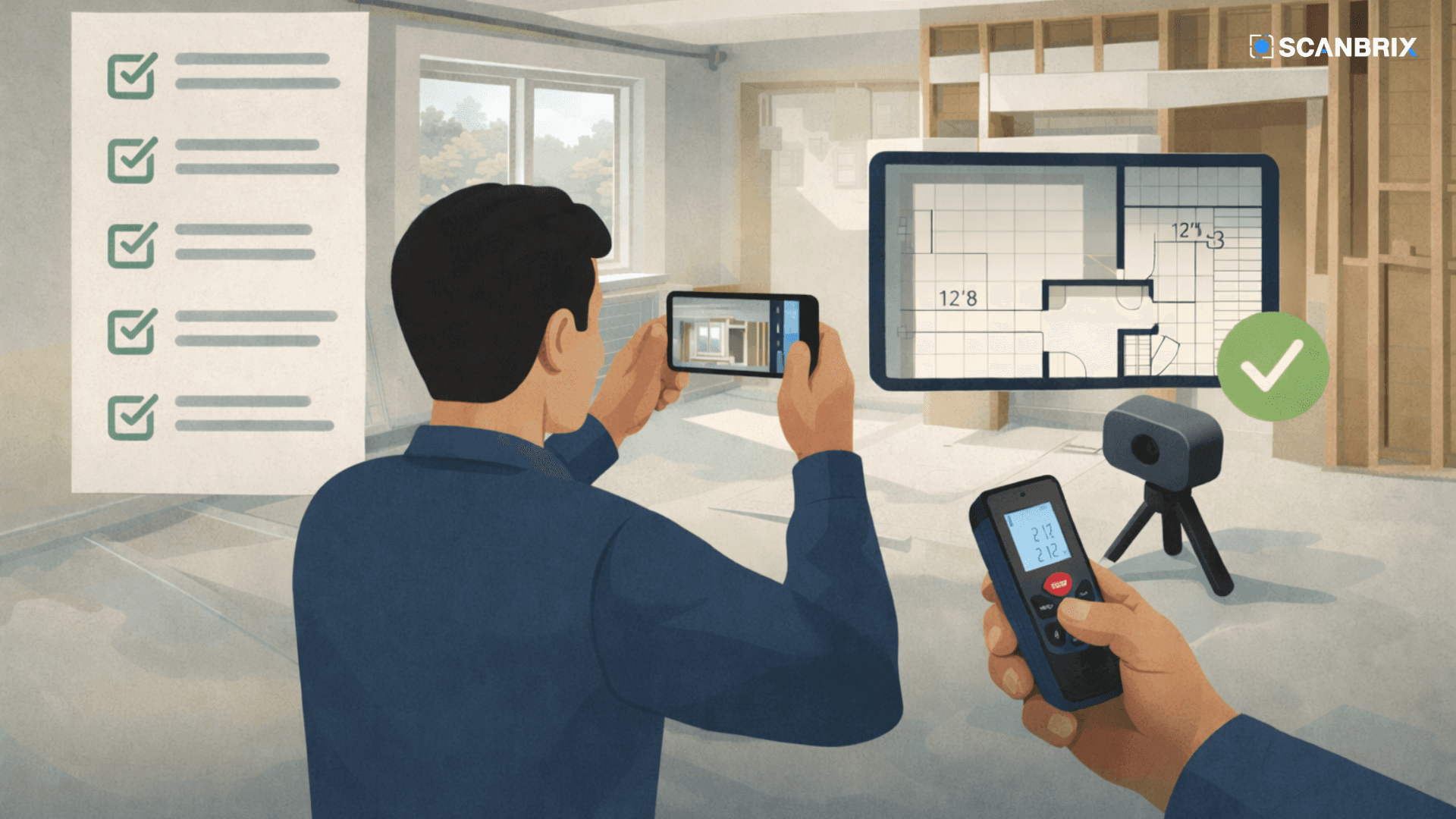
For many residential designers and architects, site visits are one of the most important, and most frustrating, parts of the job.
They’re necessary. They’re time-consuming. And despite spending hours on site, they still often lead to missed details, follow-up questions, or even return visits weeks later.
The good news? Cutting site visit time doesn’t require rushing, cutting corners, or sacrificing accuracy. It requires a smarter approach to what you capture, how you document it, and when you move on.
This guide breaks down how successful residential designers are reducing site visit time by 30–50% while improving the quality of their documentation, and avoiding the stress of “Did I miss something?”
Why Site Visits Take So Long for Residential Designers
Most site visits take longer than they should for one simple reason: designers are trying to protect themselves from uncertainty.
Common causes of long site visits include:
Measuring everything “just in case”
Double-checking dimensions out of fear of mistakes
Capturing details without a clear plan
Worrying about missing something that could derail design later
Older homes, remodels, and partial renovations make this worse. Nothing is square. Nothing matches the original plans. And assumptions are risky.
As a result, many designers default to over-measuring instead of over-documenting, and that’s where time gets lost.
What Designers Actually Need From a Site Visit (And What They Don’t)
A faster site visit starts with clarity.
The goal of a site visit isn’t to capture everything. It’s to capture everything that affects design decisions.
What you must capture on every residential site visit
Overall room dimensions
Door and window locations and sizes
Ceiling heights and ceiling changes
Steps, level changes, soffits, and bulkheads
Fixed elements (fireplaces, columns, built-ins, plumbing walls)
Transitions between spaces
These elements define constraints. Miss one, and the design process slows down later.
What designers often over-collect
Excessive wall detail that doesn’t affect layout
Perfect ceiling geometry in non-critical areas
Decorative elements that won’t be altered
Redundant measurements without context
Over-collecting data doesn’t create confidence. Clear documentation does.
The Real Reason Designers End Up Making Return Visits
Most return visits don’t happen because designers forgot to measure a wall. They happen because of missing context.
Common triggers for return visits:
A ceiling drop wasn’t documented
A room transition was unclear
A step-down or elevation change was missed
A contractor asks a question weeks later that can’t be answered confidently
A critical measurement wasn’t collected by mistake
By the time these issues surface, the project has moved forward, and revisiting the site feels disruptive, unprofessional, and expensive.
A Smarter Site Visit Workflow (Step by Step)
Designers who consistently finish site visits faster don’t rush. They follow a system.
Step 1: Prepare Before You Arrive
Before stepping on site:
Review any existing drawings (even if outdated)
Define the scope of work clearly
Decide which spaces need full documentation vs light reference
Align expectations with the homeowner or contractor
Clarity before the visit saves time during it.
Step 2: Capture the Space, Not Just Measurements
Instead of thinking only in terms of dimensions, think in terms of spatial reference.
Ask yourself:
Can I confidently answer design questions about this space later?
Do I have enough context to avoid assumptions?
Some designers now create a permanent digital reference of the home so they can revisit dimensions and details later, without returning to the site. Others use layered documentation methods (measurements + photos + notes) to achieve the same goal.
The key is confidence after you leave.
Step 3: Verify Before You Leave
The fastest designers all do one thing before packing up: a final review.
Before leaving the site:
Confirm all rooms and transitions were captured
Double-check ceiling changes and structural elements
Make sure no spaces within scope were skipped
Five minutes of review can save hours later.
How Top Residential Designers Avoid Return Visits Altogether
Designers who rarely revisit sites share a few habits:
They document transitions between rooms, not just rooms themselves
They prioritize constraints over perfection
They leave the site with a reliable reference they trust
They reduce reliance on memory and assumptions
It’s not about measuring more, it’s about measuring smarter.
Manual vs Digital Site Documentation: When Each Makes Sense
There’s no single “right” approach. Different projects call for different methods.
Approach | Best For | Limitations |
Manual measuring | Small, simple scopes | Time-consuming, error-prone |
Photos & notes | Visual reference | Not dimensionally reliable |
Digital capture | Remodels, whole-home projects | Requires a defined process |
Many designers combine methods. What matters most is whether your documentation supports confident design decisions later.
The Future of Site Visits in Residential Design
Residential design workflows are changing.
More designers are spending:
Less time measuring on site
Less time answering follow-up questions
Less time correcting early assumptions
And more time:
Designing
Presenting concepts faster
Collaborating smoothly with contractors
The future of site visits isn’t about speed. It’s about certainty.
Frequently Asked Questions
How long should a residential site visit take?
Most residential site visits should take 1–3 hours, depending on scope. Longer visits often signal inefficiencies in documentation, not complexity. This can also vary depending on the size of the project, whole home vs a single room.
What measurements are most important for interior design?
Overall dimensions, openings, ceiling heights, fixed structural elements, and transitions between spaces matter most.
How do designers avoid mistakes during site visits?
Preparation, clear documentation standards, and post-visit verification are key.
Do designers need digital tools for site documentation?
Not always—but designers who work on remodels or whole-home projects increasingly rely on digital references to reduce rework and return visits.
Final Thought: Faster Doesn’t Mean Sloppier
Cutting site visit time isn’t about rushing through homes or cutting corners. It’s about replacing uncertainty with confidence, and leveraging tools that help you do your job better.
When designers know exactly what they need to capture, and have systems to reference it later, site visits become shorter, calmer, and far more professional.